Map the floor before buying the robot
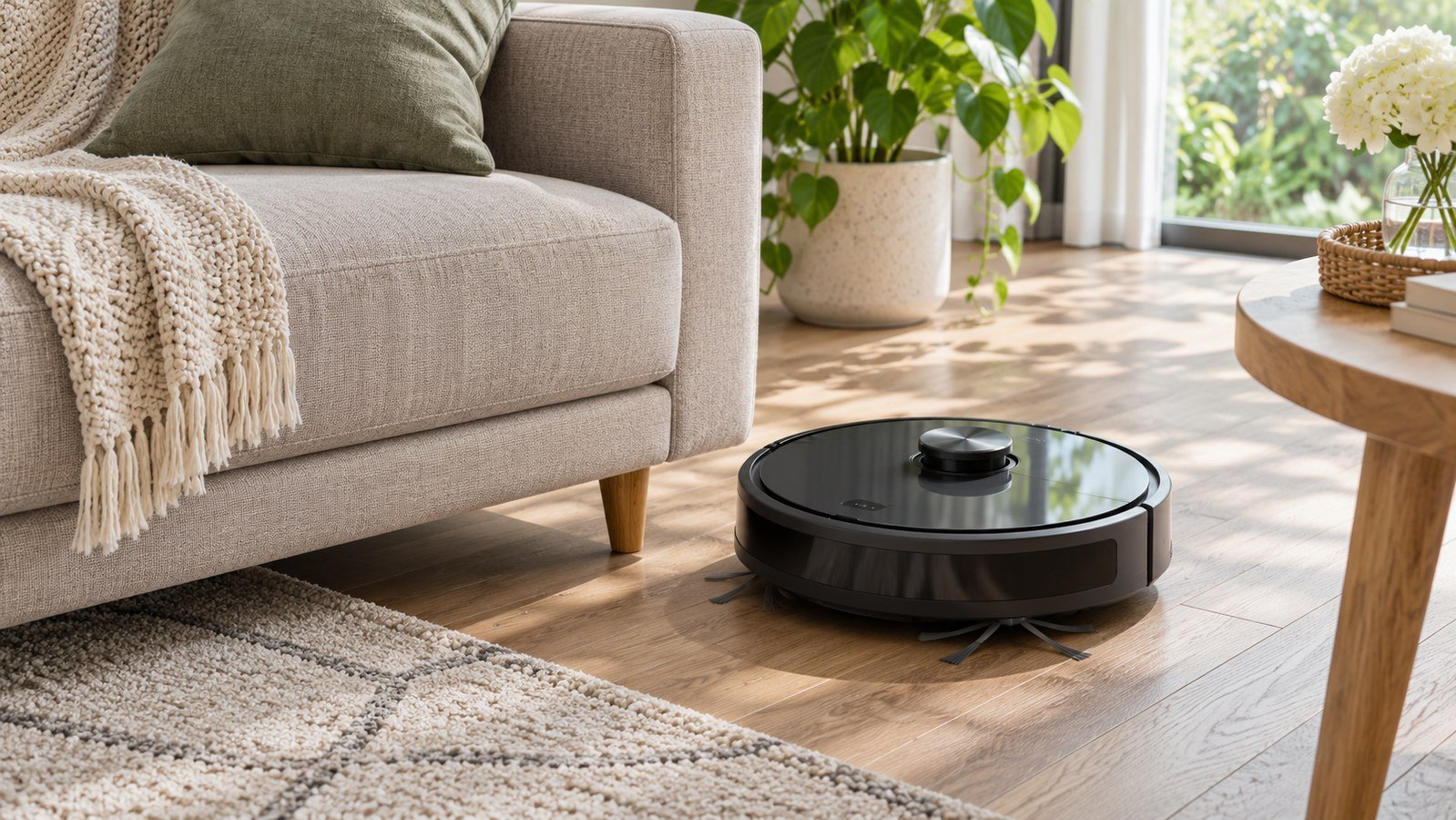
Walk the area the vacuum would clean in one session. Note material changes, raised thresholds, rug edges, cords, and spots a robot might not reach. Decide whether you mainly want regular pickup on clear flat surfaces or expect it to navigate several busy rooms. A complex floor plan makes a dependable route and easy recovery more useful. If some furniture is too low for the robot, mark it as an area that needs to be cleaned another way.
Compare fit at transitions
Measure the narrowest gap from the floor to the underside of furniture where you expect cleaning. Verify the height of the robot, including any tower or sensor housing. Measure transitions separately and use only the manufacturer’s supported specifications. Rugs with long fringe or loose edges are worth noting even if the robot can cross a hard threshold. Check each rug’s cleaning instructions before assuming an automated brush is appropriate.
Read the mapping details
Mapping may mean different features across models. Check whether the device stores a map, lets you subdivide rooms, or supports exclusion zones. iRobot’s documentation for selected Roomba models explains how certain series use maps for planned cleaning and recharge-and-resume. Compare exact models and app requirements. In a home with separate floors, verify how the robot and base work when moved, and whether the product supports multiple maps in the way you need.
Measure the dock area
A basic charging station and a self-emptying dock use different footprints. Measure the space both physically and in the direction the vacuum needs to approach. Follow the stated setup instructions. Consider access for removing a bin, replacing a bag, and cleaning the area around the station. A dock that empties a small bin automatically can be useful for regular pickup, but it does not remove the need to clean rollers, sensors, and other documented parts.
Plan for the jobs the robot leaves behind
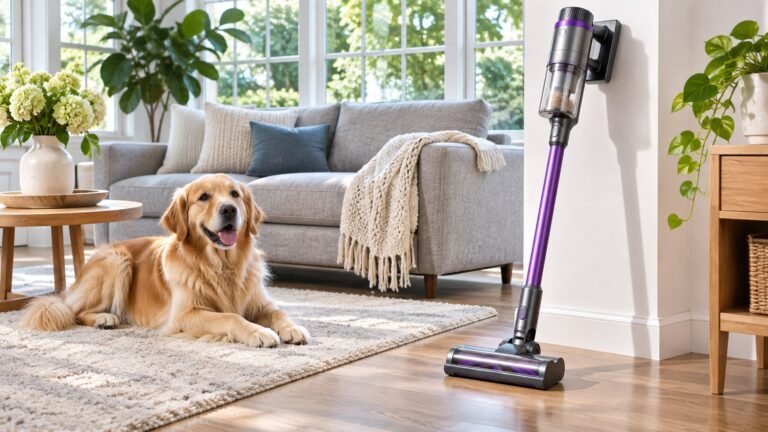
A robot can make sense for repeated floor pickup. An upholstered couch, stairs, and tight corners may still need a separate tool. If dog or cat hair is the main issue, see our cordless vacuum pet hair guide for attachments suited to those spaces. Compare the physical bin and brush design and check whether parts are available by model number. Think through a week with the robot, including the time spent clearing the floor and dealing with interruptions.
Compare settings and ownership costs
Find out whether scheduled cleaning needs an app or account, and check current support details and privacy settings. If your home has an unreliable signal in the dock room, weigh that with the features you plan to use. Add spare bags or filters and any other compatible parts to the delivered price. Try the model under the seller’s terms in a supervised first session with a familiar route. A successful short run on both surfaces can tell you whether a longer routine is practical.
Watch the first cleaning route
If a retailer permits a trial, start with a short run during which you can observe the robot. Notice how it handles the transition between a hard surface and the rug, whether it regularly backs out of a spot, and how easily it can return to its dock. Check what happens when you close a door or move a chair the way you would on a normal day. Compare those observations against the reason you wanted a robot. A model for occasional kitchen pickup should not be judged solely by how many features it offers for whole-house scheduling.
Note the prep the route actually requires. Moving a loose cord on the first day can be easy, but gathering several objects every evening during a busy week can get in the way of using a schedule. Give some attention to the floor around low furniture and opportunities for a wheel to catch or a cord to tangle. Follow the manufacturer’s rules about preparing the room and using any virtual boundaries or physical barriers it supports. Keep a different cleaning method for surfaces the robot is not designed to reach.
Compare dock maintenance rather than dock size alone
Read the exact manual for how to empty the collected dust and how often the brand recommends inspecting the brush or filter. Consider nearby surfaces when you pull a bin out of its dock, especially if you need more room above the door than the outside dimensions suggest. If a model has bags, check the part number and current price. If it includes a mop attachment or water handling, read the restrictions and maintenance separately. A larger dock may offer more automation but can also add cleaning or refilling work that you had not planned.
See what the device does if a cleaning job ends early. Check the app or indicator and whether you can resume a brief cleaning run without clearing the schedule. If several people live in the home, decide who will empty the bin, clear the route, or deal with a stuck robot. A quick predictable handoff can matter more than advanced automation when the device cleans rooms everyone uses. Favor features that make that routine easy to continue.
Check support for the expected surfaces
Compare the product’s documented maintenance against a one-week cleaning plan. Note how many times it would work on rugs and where you could take it out when you need to inspect it. If the work is intermittent, a less expensive dock may be fine. If regular floor pickup is important, check maneuverability and recurring parts costs first. Think & Buy used official documentation and shopping criteria and did not run independent pickup or mapping tests.
A robot purchase can overlap with a current vacuum rather than replace it. Check whether your normal cleaning routine separates daily pickup from a deeper pass. If you need to do separate upholstery work regardless, put more weight on automated floor coverage and less on promises about one appliance doing everything. Look at the brush and removable components you actually clean and compare how quickly you can access them.
Check the difference between the dock’s stated dimensions and the clear space called for in the manual. Put a piece of paper or box in the intended position and open the nearby doors. Check whether an available outlet and usable approach are both present. If the base is in a spot where you will need to move it often, compare support for relocation before buying. See Cleaning & Vacuums for other floor cleaning decisions that can complement automated pickup.
If you are replacing an older robot, write down the last two interruptions that made you intervene. Compare how the candidates handle those same locations. That gives you a concrete reason to pay for a new navigation feature or to keep your current machine.
Frequently asked questions
Do all robot vacuums save room maps?
No. Check the exact device and app. Mapping, named rooms, restricted areas, and multiple-floor support can be separate capabilities.
Do I need automatic emptying?
It can save trips to the trash if you run the robot frequently. Compare dock space and the cost of bags or parts with how often you would empty the bin manually.
Can I assume it will cross my rug and doorway?
No. Check the transition height, floor material, rug finish, and manufacturer instructions for the exact model. Observe the first run before relying on a schedule.